Top 8 Best Free AI Schedulers in 2026 (Tried & Tested)
Discover the top 8 free AI schedulers in 2026, including TaskFord, to boost your time management and freelance productivity with powerful, no-cost tools.
Managing time effectively is a challenge for freelancers, small business owners, and busy professionals. With deadlines looming and tasks piling up, finding the right tools to stay organized is crucial. Enter free AI schedulers, the game-changers in time management. These tools use artificial intelligence to help you plan your day, prioritize tasks, and boost productivity without breaking the bank.
In this blog, we dive into the top 8 free AI schedulers in 2026, tested for performance, usability, and features. Whether you’re juggling freelance time tracking or optimizing your daily schedule, these tools are designed to keep you on track. We’ll also explore TaskFord, a non-AI scheduling alternative that offers robust features for effective time and project management.
Why Use a Free AI Scheduler?
AI schedulers go beyond traditional calendar apps. They analyze your tasks, suggest optimal time slots, and adapt to your habits. For freelancers, these tools are a lifeline, offering insights into time management and helping balance multiple projects. Small businesses benefit from automated scheduling for meetings and deadlines, while students can manage study sessions and assignments. The best part? These free AI schedulers deliver powerful features without a premium price tag, making them accessible to everyone.
We tested dozens of tools based on usability, AI capabilities, integration options, and freelance time tracking features. Below, we share the top 8 free AI schedulers that stood out in 2026, with insights into their strengths, limitations, and ideal use cases
TaskFord: A Powerful Alternative to AI Scheduler
First of all, traditional or non AI tools are still useful and will help you with abilities that even rival those of AI tools. While AI schedulers offer cutting-edge automation, TaskFord proves that non-AI scheduling tools can be just as effective for time management and project organization. Designed for teams and freelancers, TaskFord is a comprehensive project management and resource planning platform that emphasizes flexibility, usability, and robust features. It’s an excellent choice for those who prefer a straightforward, reliable solution without relying on AI-driven automation.
Key Features:
- Flexible Task Management: TaskFord allows you to track tasks through multiple views, including lists, Kanban boards, calendars, and Gantt charts. You can assign tasks, set priorities, and monitor progress in real time, making it ideal for managing daily work or complex projects.
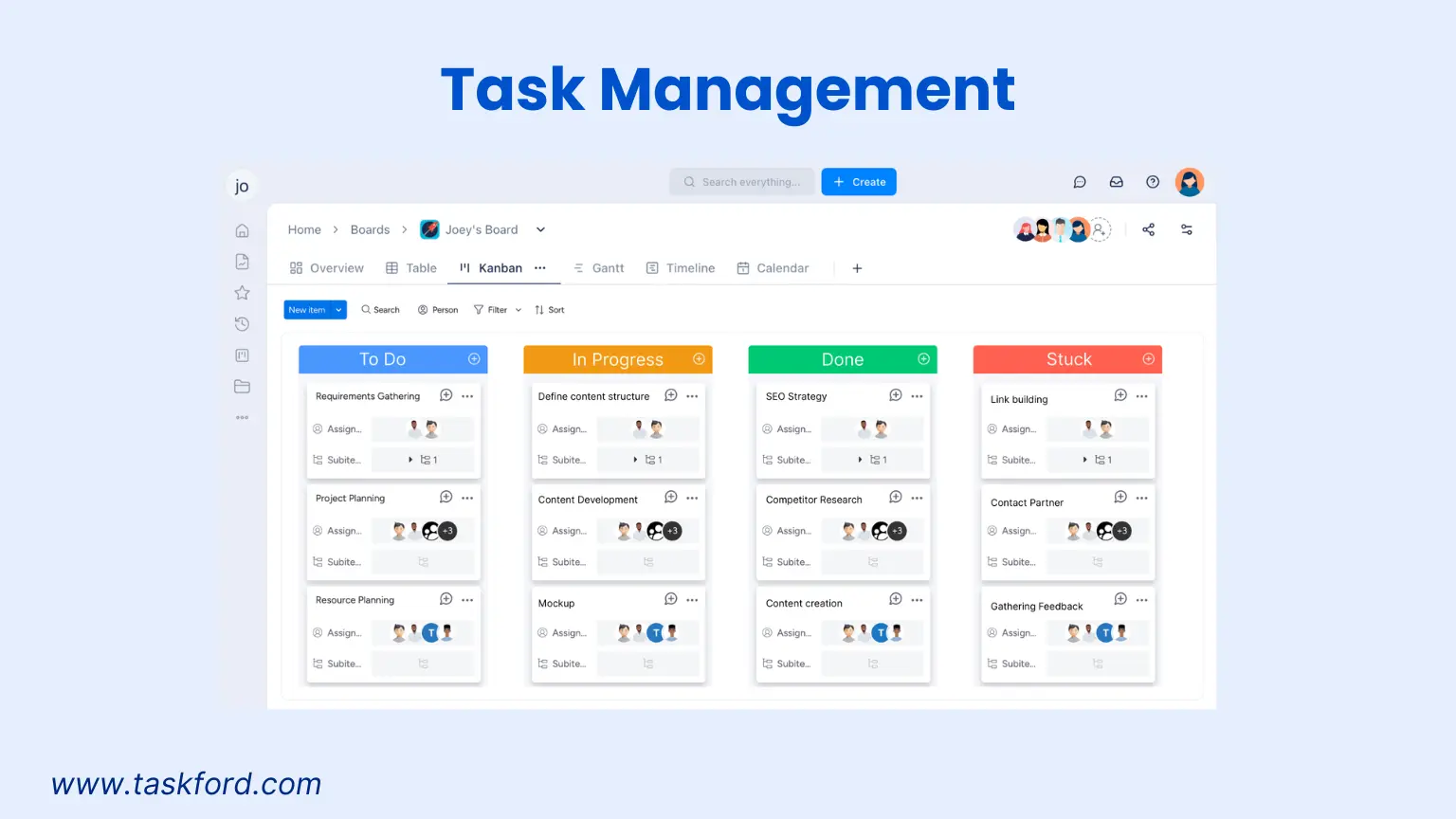
- Time Tracking: With a built-in stopwatch timer and timesheet management, TaskFord simplifies logging hours for tasks and team activities. Freelancers can track billable hours accurately and generate timesheet reports for client invoicing.

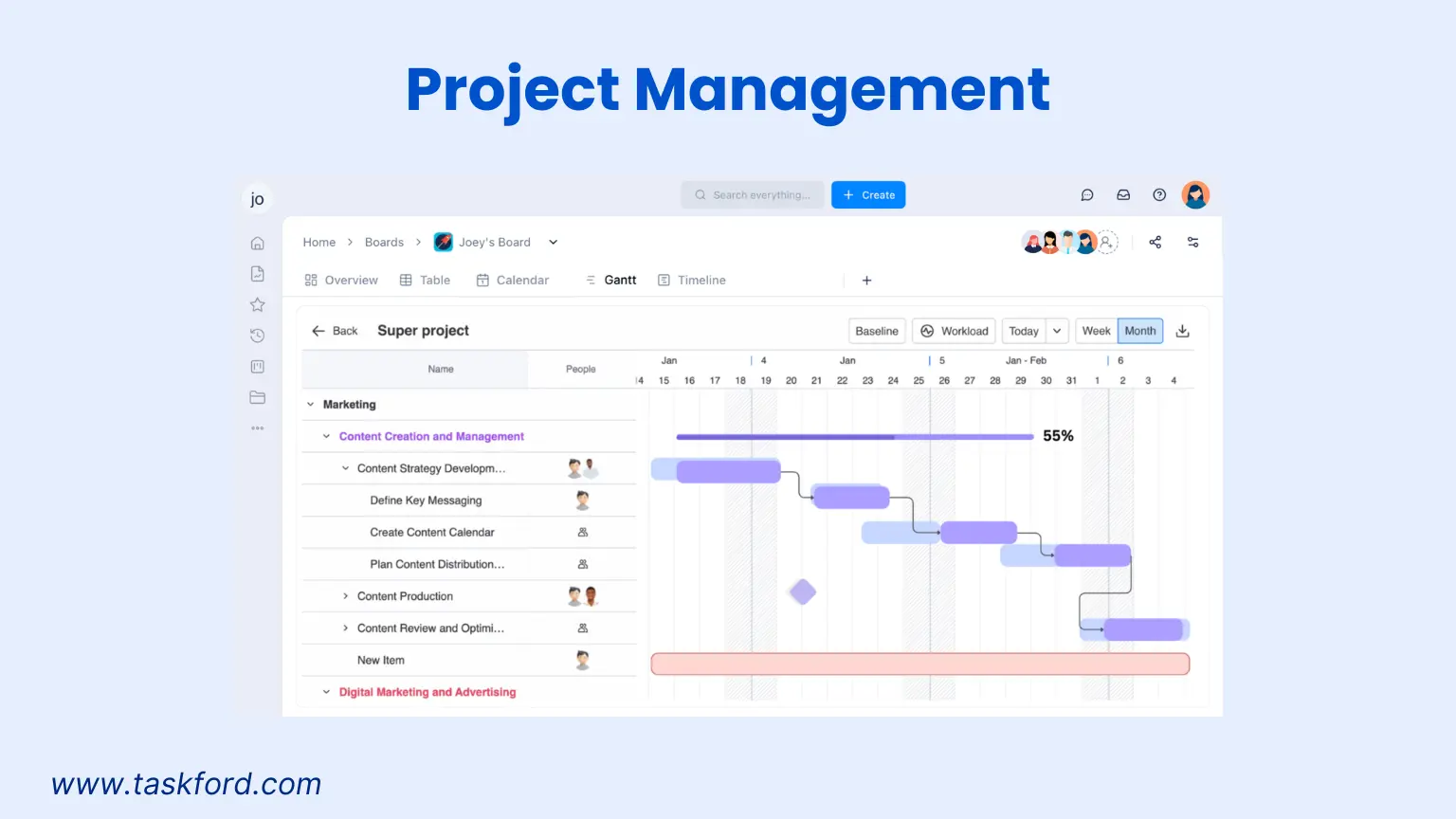
- Project Management: TaskFord supports project planning with Gantt charts, timelines, and sprint planning views. It also provides a high-level view of multiple projects, helping teams monitor progress and identify risks early.
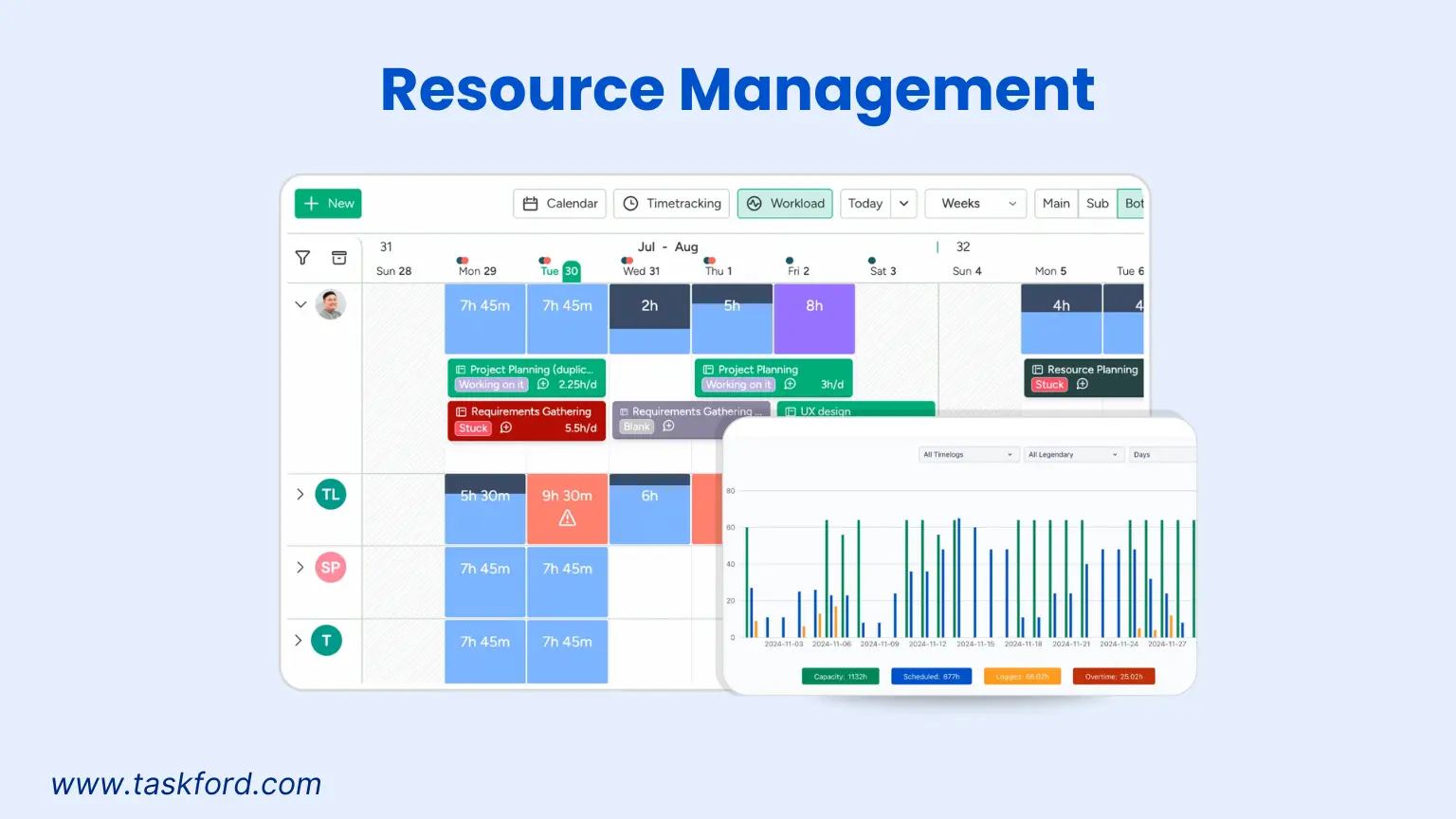
- Resource Management: The platform ensures balanced team workloads by tracking capacity, availability, and leave requests in one place. This feature is particularly useful for freelancers and small teams managing multiple clients or projects.
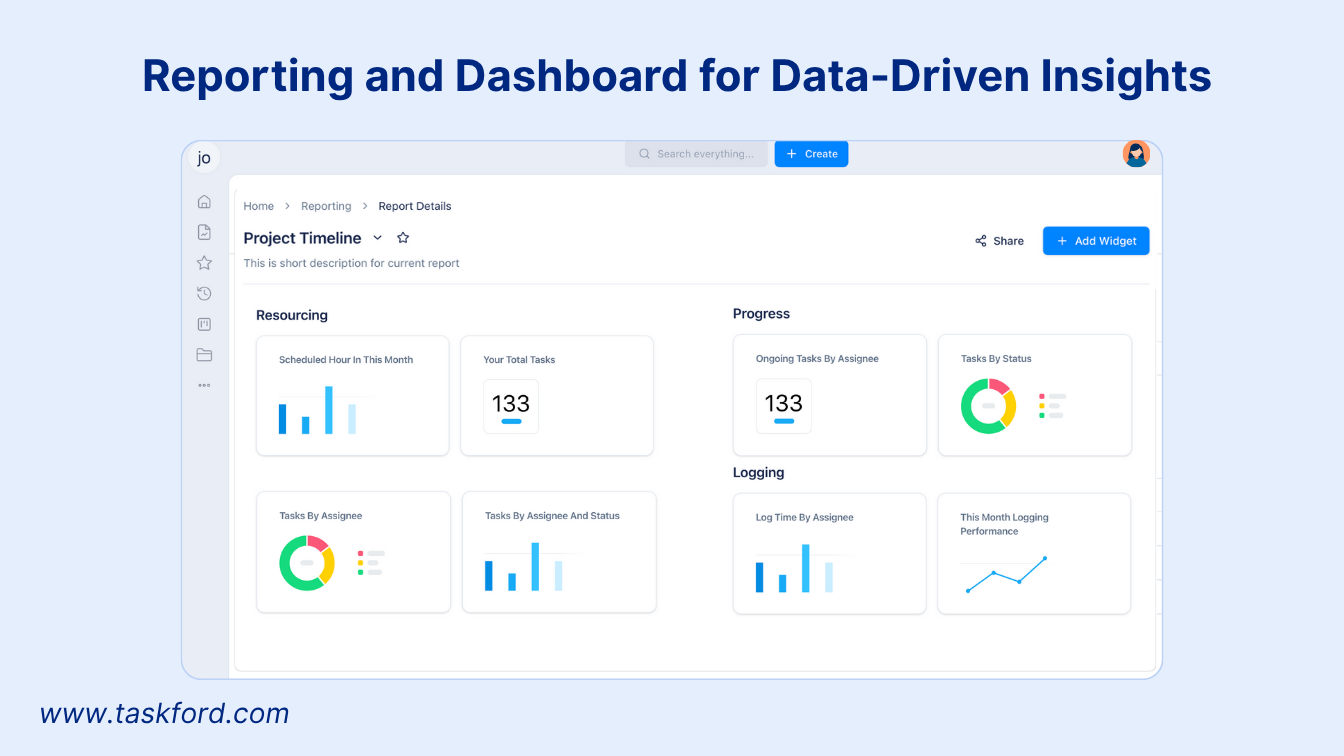
- Visual Dashboards: TaskFord’s dashboards display time spent across projects, helping you identify bottlenecks and optimize productivity without needing AI analytics.
While not yet AI-powered, TaskFord still offers powerful scheduling and time tracking abilities, with promising plans for AI enhancements in the future.
Top 8 Best Free AI Schedulers in 2026
1. Clockwise
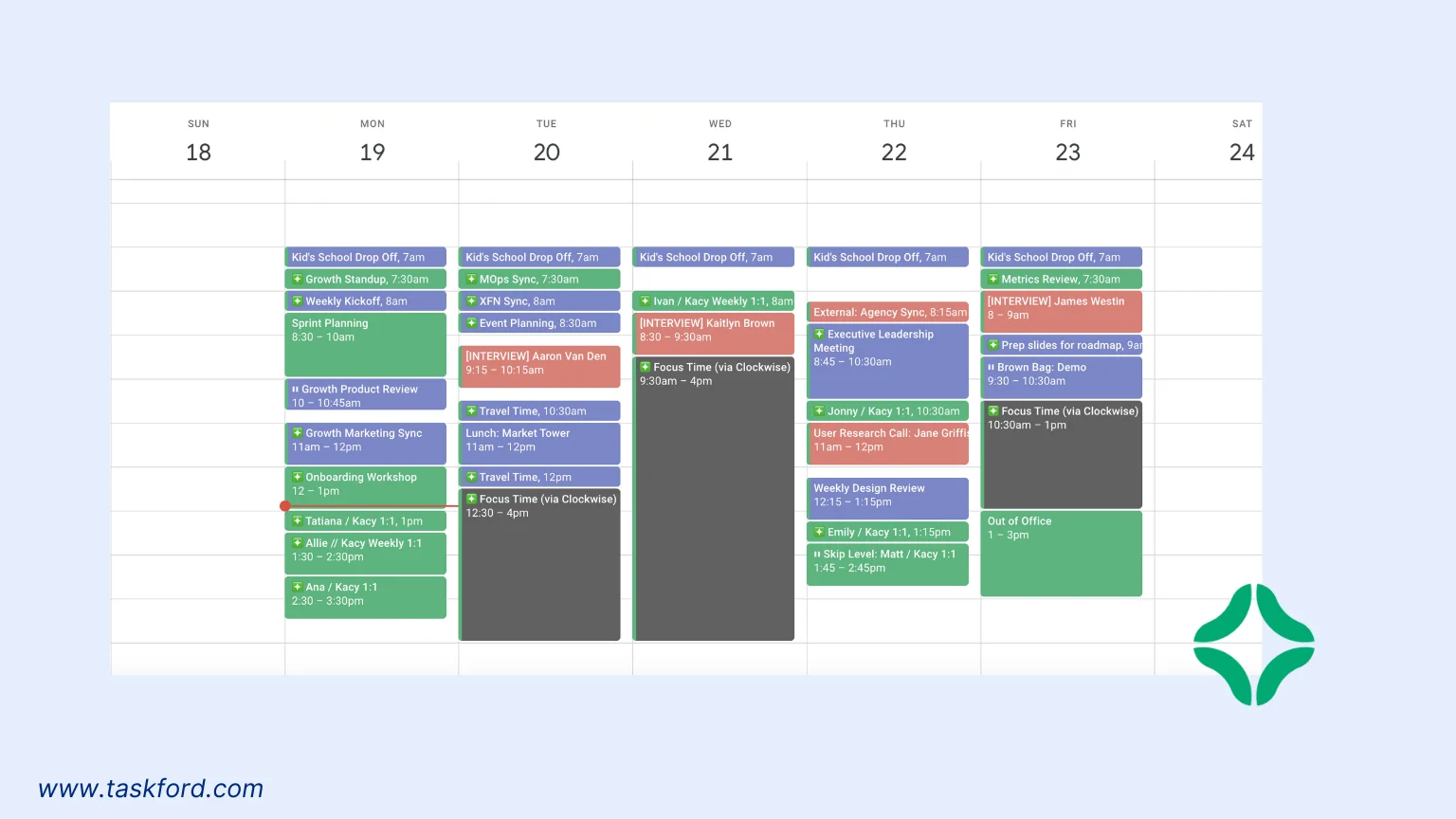
Clockwise is a standout free AI scheduler that optimizes your calendar for focus time. Its AI analyzes your schedule and automatically blocks off uninterrupted periods for deep work, perfect for freelancers managing multiple clients. The free plan includes unlimited calendar integrations (Google Calendar, Outlook) and AI-driven time suggestions.
Key Features:
- Focus Time Blocks: Automatically reserves time for high-priority tasks.
- Meeting Scheduler: Finds the best meeting times based on attendees’ availability.
- Freelance Time Tracking: Tracks time spent on tasks and generates productivity reports.
- Integration: Syncs with Slack, Asana, and Google Workspace.
Why It’s Great:
Clockwise excels at balancing meetings and personal tasks. Its AI learns your preferences, such as preferring morning work sessions, and adjusts your schedule accordingly. Freelancers love the time tracking feature, which helps log billable hours accurately.
Limitations:
The free plan limits advanced analytics, like detailed productivity breakdowns, to premium users. It also lacks native mobile apps, though the web version is mobile-friendly.
Pricing:
- Free Plan: Unlimited calendar integrations, basic time tracking, and meeting scheduling.
- Cheapest Paid Plan: $6.75/user/month (billed annually) for advanced analytics and team scheduling.
Best For:
Freelancers and small teams needing a balance between meetings and focused work.
2. Motion
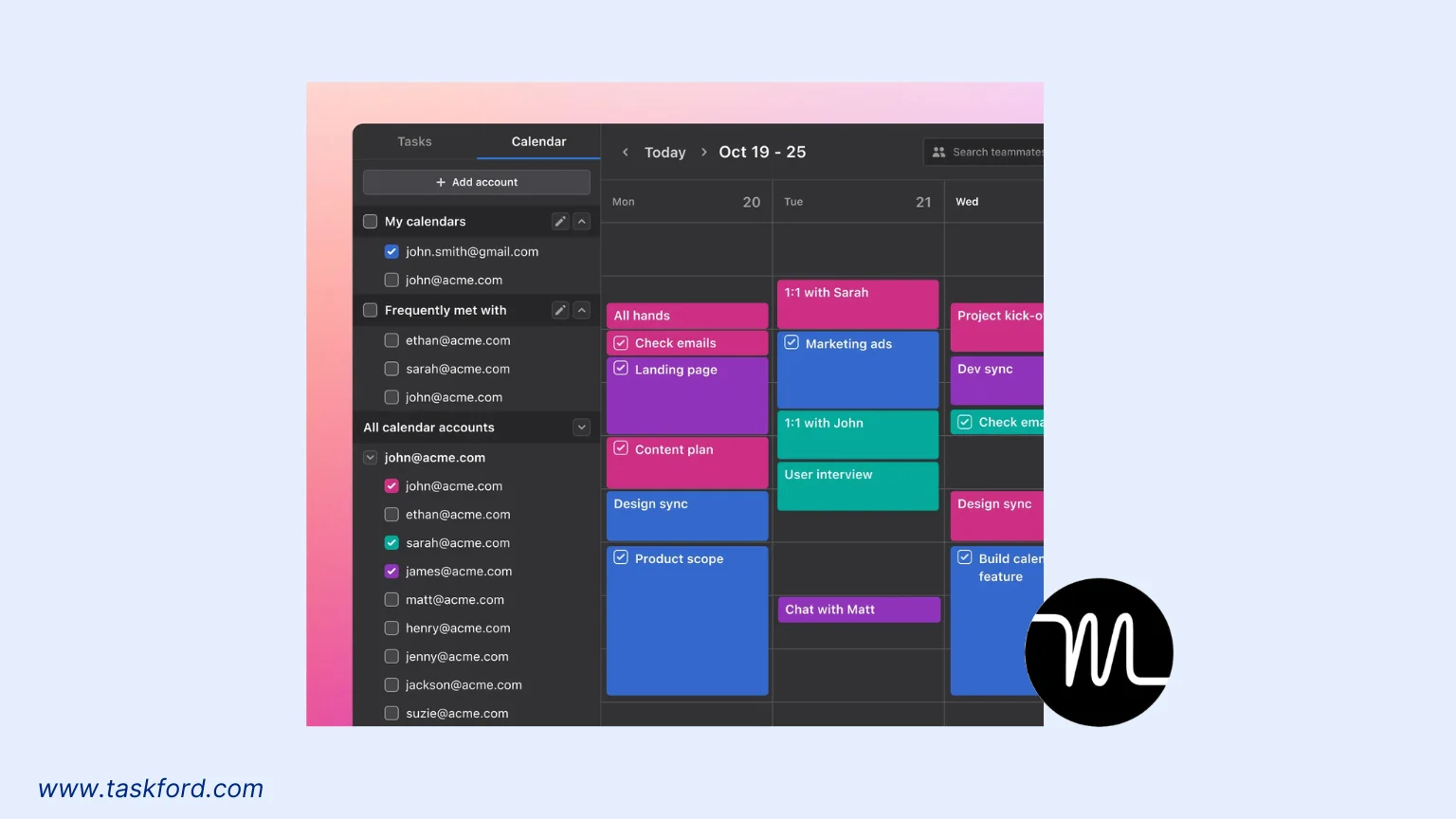
Motion is a versatile free AI scheduler designed for dynamic task management. Its AI engine prioritizes tasks based on deadlines, importance, and your working habits. The free plan offers robust features for individuals, making it a favorite for freelance time tracking and personal productivity.
Key Features:
- Task Prioritization: AI ranks tasks to optimize your day.
- Calendar Integration: Syncs with Google Calendar and Microsoft Outlook.
- Time Blocking: Automatically assigns tasks to available time slots.
- Productivity Insights: Tracks time spent on tasks for better time management.
Why It’s Great:
Motion’s AI adapts to your schedule changes, such as last-minute client calls, and reshuffles tasks to keep you on track. The time tracking feature is a boon for freelancers, allowing easy export of hours for invoicing.
Limitations:
The free plan caps the number of tasks you can schedule per month. It also lacks advanced team collaboration features, which are reserved for paid plans.
Pricing:
- Free Plan: Limited to 10 tasks/month, basic time tracking, and calendar syncing.
- Cheapest Paid Plan: $19/month (billed annually) for unlimited tasks, advanced reporting, and team features.
Best For:
Solo freelancers and students managing multiple deadlines.
3. Reclaim
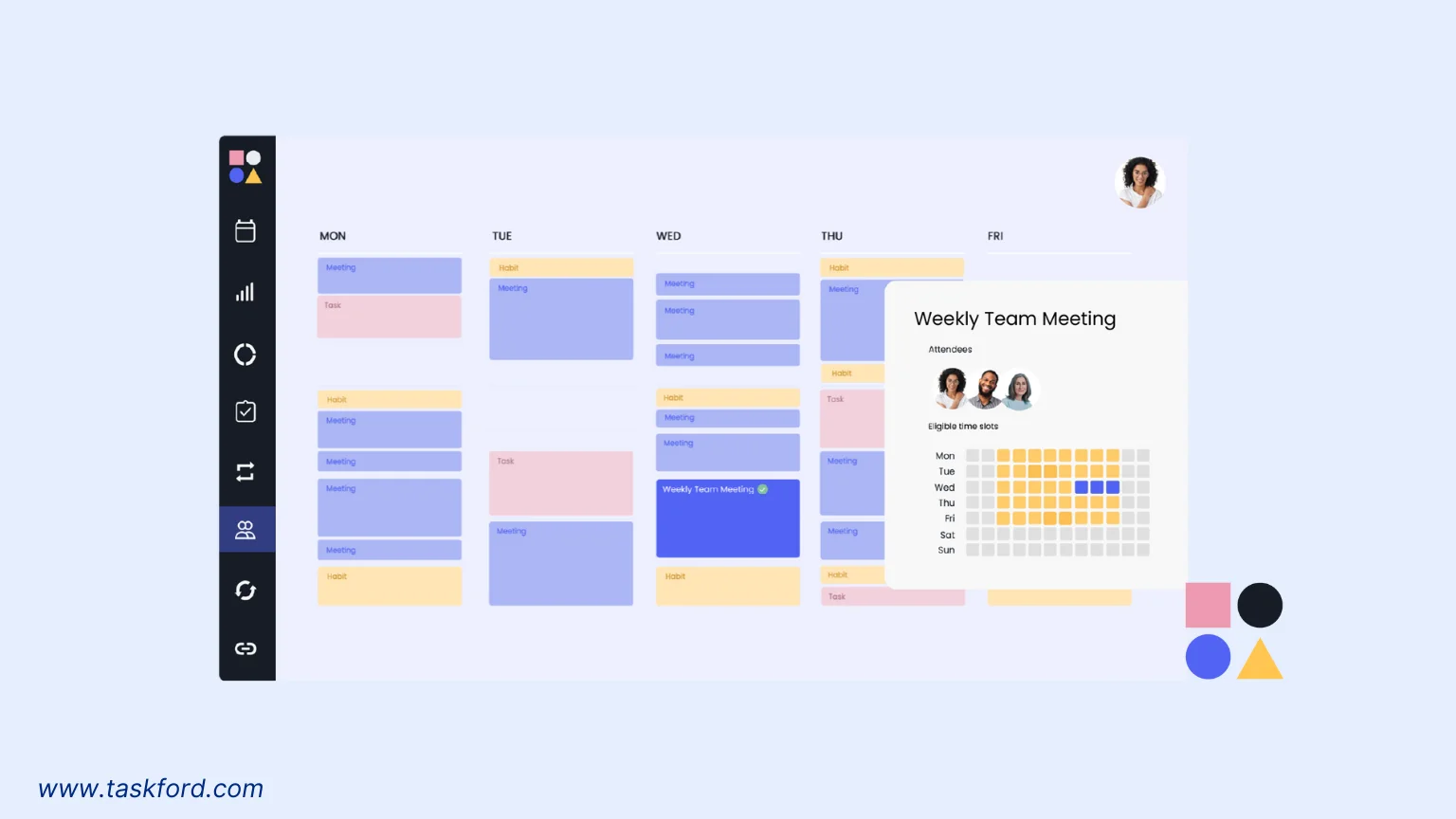
Reclaim is a free AI scheduler focused on protecting your time. Its AI creates “smart habits” by scheduling recurring tasks, like writing or client follow-ups, during your most productive hours. It’s ideal for those seeking a balance between work and personal life.
Key Features:
- Smart Habits: Automatically schedules recurring tasks.
- Time Analytics: Provides insights into how you spend your time.
- Calendar Sync: Works with Google Calendar and Outlook.
- Freelance Time Tracking: Tracks time spent on client projects.
Why It’s Great:
Reclaim’s AI is proactive, reserving time for personal priorities like exercise or family time alongside work tasks. Its freelance time tracking feature is simple yet effective, helping you log hours without manual input.
Limitations:
The free plan limits the number of smart habits to five. Team scheduling features are premium-only.
Pricing:
- Free Plan (Lite): Up to 5 smart habits, basic time tracking, and calendar syncing.
- Cheapest Paid Plan: $8/user/month (billed annually) for unlimited habits and advanced analytics.
Best For:
Freelancers and professionals balancing work and personal commitments.
4. Trevor AI
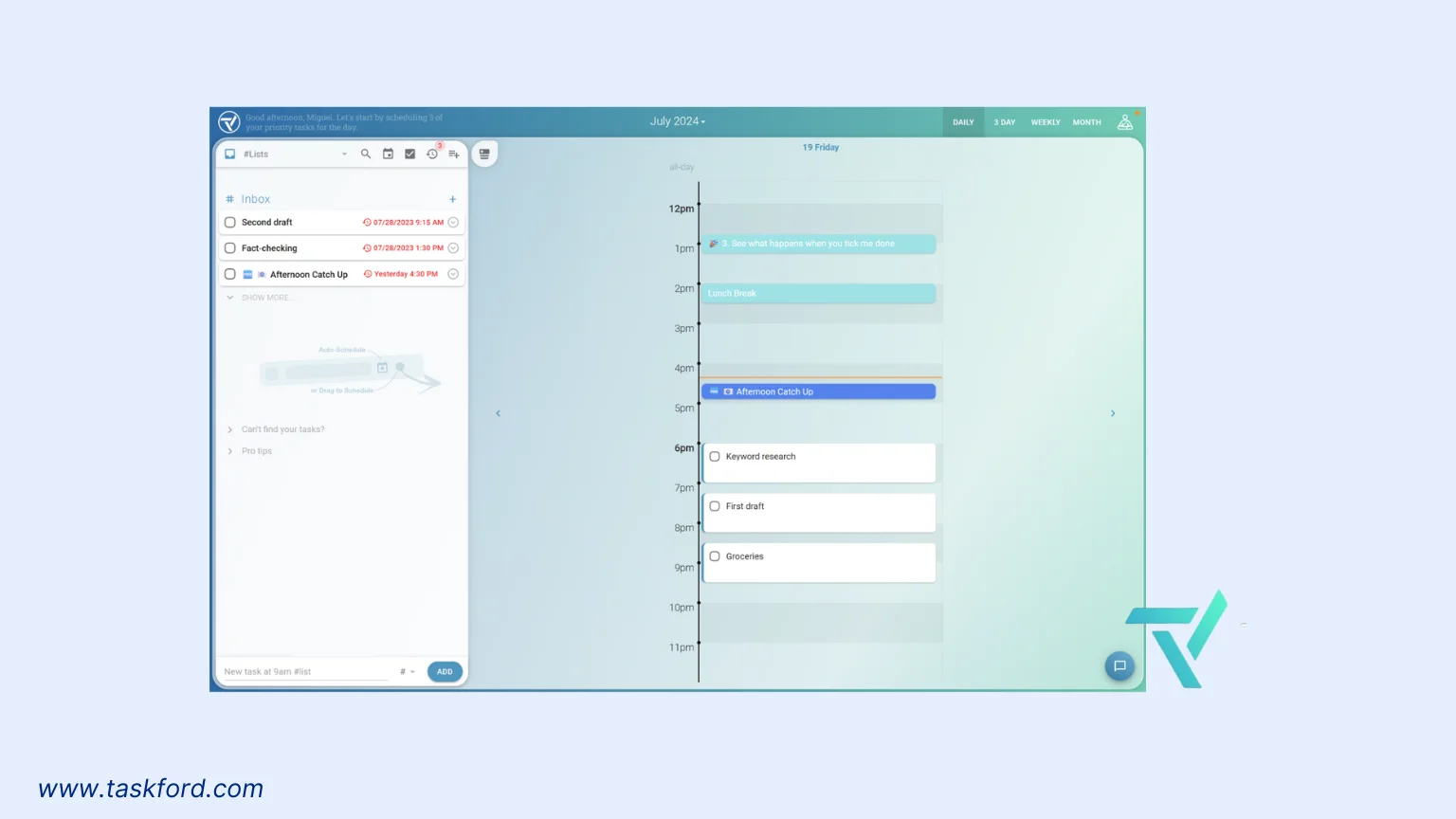
Trevor AI is a minimalist free AI scheduler with a focus on task management. Its drag-and-drop interface makes scheduling intuitive, while the AI suggests the best times for tasks based on your energy levels and deadlines.
Key Features:
- Task Suggestions: AI recommends optimal times for tasks.
- Time Blocking: Organizes tasks into focused time slots.
- Calendar Integration: Syncs with Google and Apple Calendar.
- Freelance Time Tracking: Logs time spent on tasks for client billing.
Why It’s Great:
Trevor AI’s clean interface is perfect for those who prefer simplicity. Its AI learns your peak productivity hours, making it ideal for freelancers with irregular schedules. The time tracking feature is straightforward, helping you monitor billable hours.
Limitations:
The free plan lacks advanced integrations like Slack or Trello. Mobile app functionality is limited compared to the web version.
Pricing:
- Free Plan: Basic task scheduling, time blocking, and time tracking with calendar syncing.
- Cheapest Paid Plan: $3.99/month for advanced integrations and unlimited tasks.
Best For:
Freelancers and students who want a simple, no-frills scheduler.
5. TimeHero
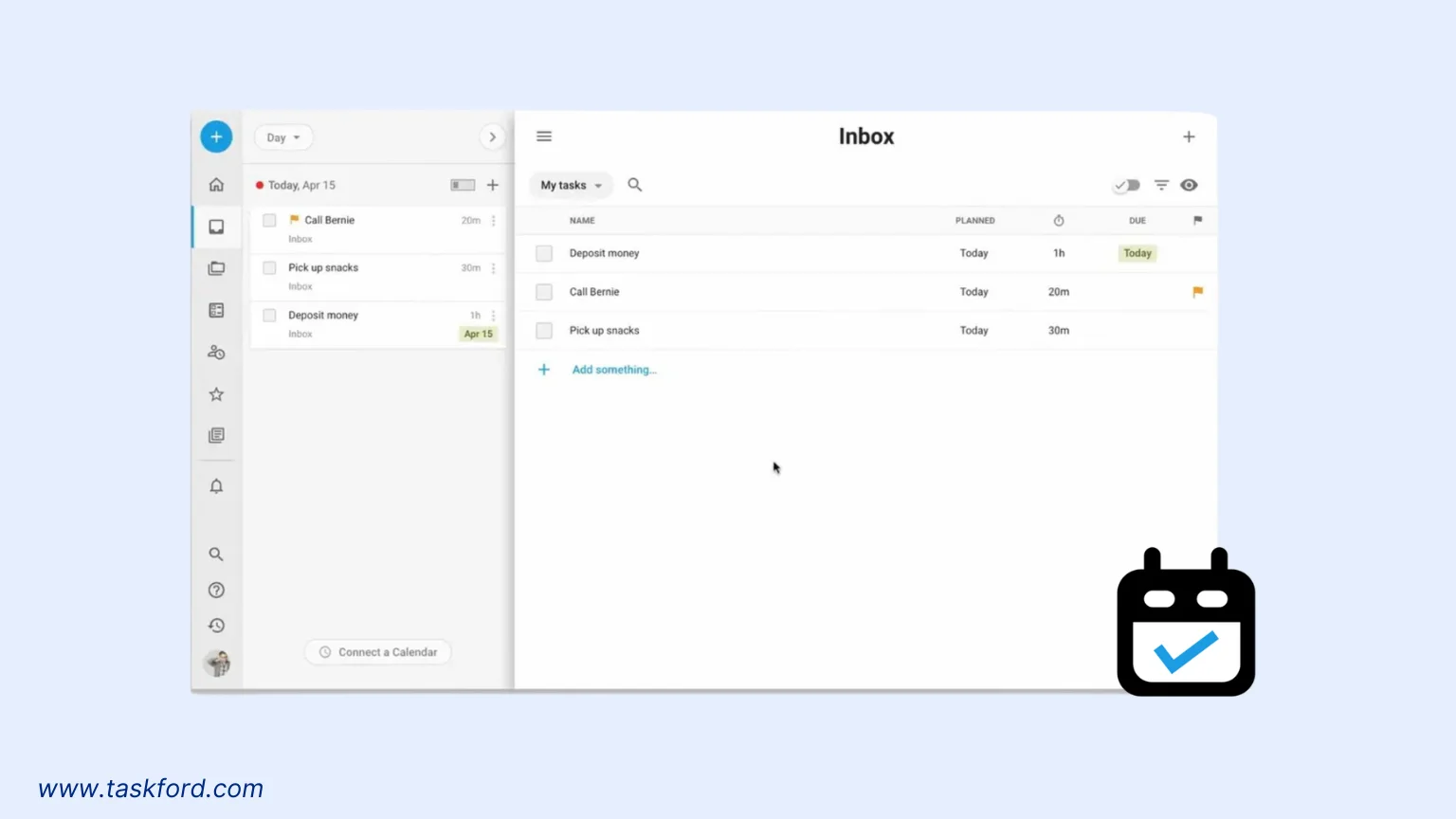
TimeHero is a free AI scheduler that automates task planning. Its AI predicts how long tasks will take and schedules them into your calendar, adjusting for unexpected changes. It’s a great choice for managing complex projects.
Key Features:
- Task Automation: AI assigns tasks to available time slots.
- Time Estimates: Predicts task duration based on past performance.
- Calendar Sync: Integrates with Google Calendar and Outlook.
- Freelance Time Tracking: Tracks project time for accurate invoicing.
Why It’s Great:
TimeHero’s AI is excellent at handling project-based work, making it ideal for freelancers juggling multiple clients. The time tracking feature provides detailed reports, helping you justify billable hours.
Limitations:
The free plan limits the number of active projects to three. Collaboration features are restricted to premium users.
Pricing:
- Free Plan: Up to 3 active projects, basic time tracking, and calendar syncing.
- Cheapest Paid Plan: $4.60/user/month (billed annually) for unlimited projects and advanced features.
Best For:
Freelancers and small business owners managing project-based work.
6. Clara
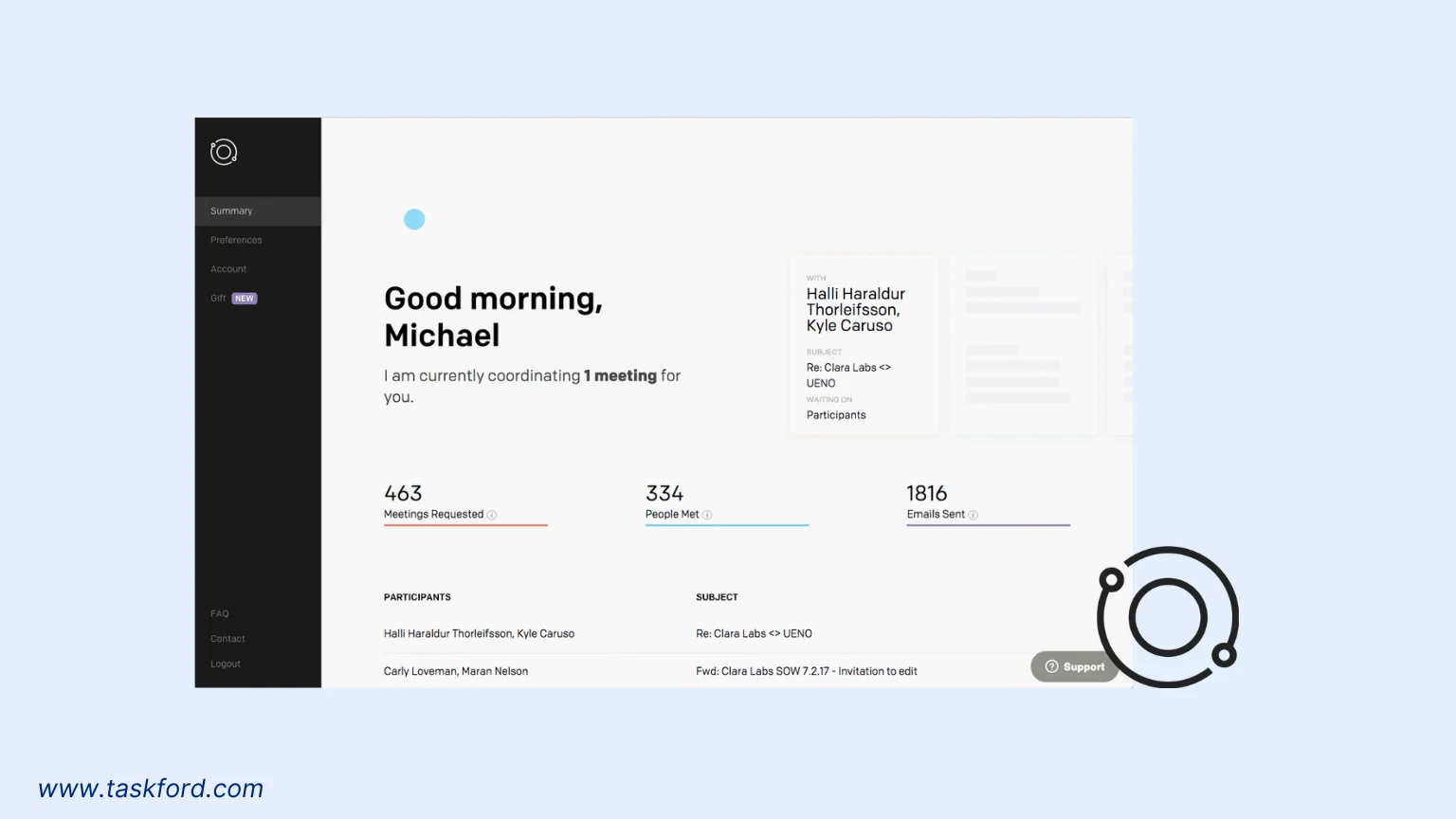
Clara is an AI-powered scheduling assistant that focuses on meeting coordination. While it’s primarily known for its paid plans, the free version offers solid features for individuals. It’s perfect for freelancers who spend too much time scheduling client calls.
Key Features:
- Meeting Coordination: AI finds the best meeting times via email.
- Calendar Integration: Syncs with Google and Microsoft calendars.
- Time Zone Support: Handles scheduling across multiple time zones.
- Freelance Time Tracking: Tracks time spent on meetings.
Why It’s Great:
Clara’s AI communicates professionally with clients, scheduling meetings without back-and-forth emails. Its time tracking feature helps freelancers log meeting hours for billing purposes.
Limitations:
The free plan limits the number of meetings scheduled per month. Advanced features like team scheduling require a paid plan.
Pricing:
- Free Plan: Limited to 5 meetings/month, basic time tracking, and calendar syncing.
- Cheapest Paid Plan: $6.99/month for unlimited meetings and advanced features.
Best For:
Freelancers who frequently schedule client meetings.
7. Scheduler AI
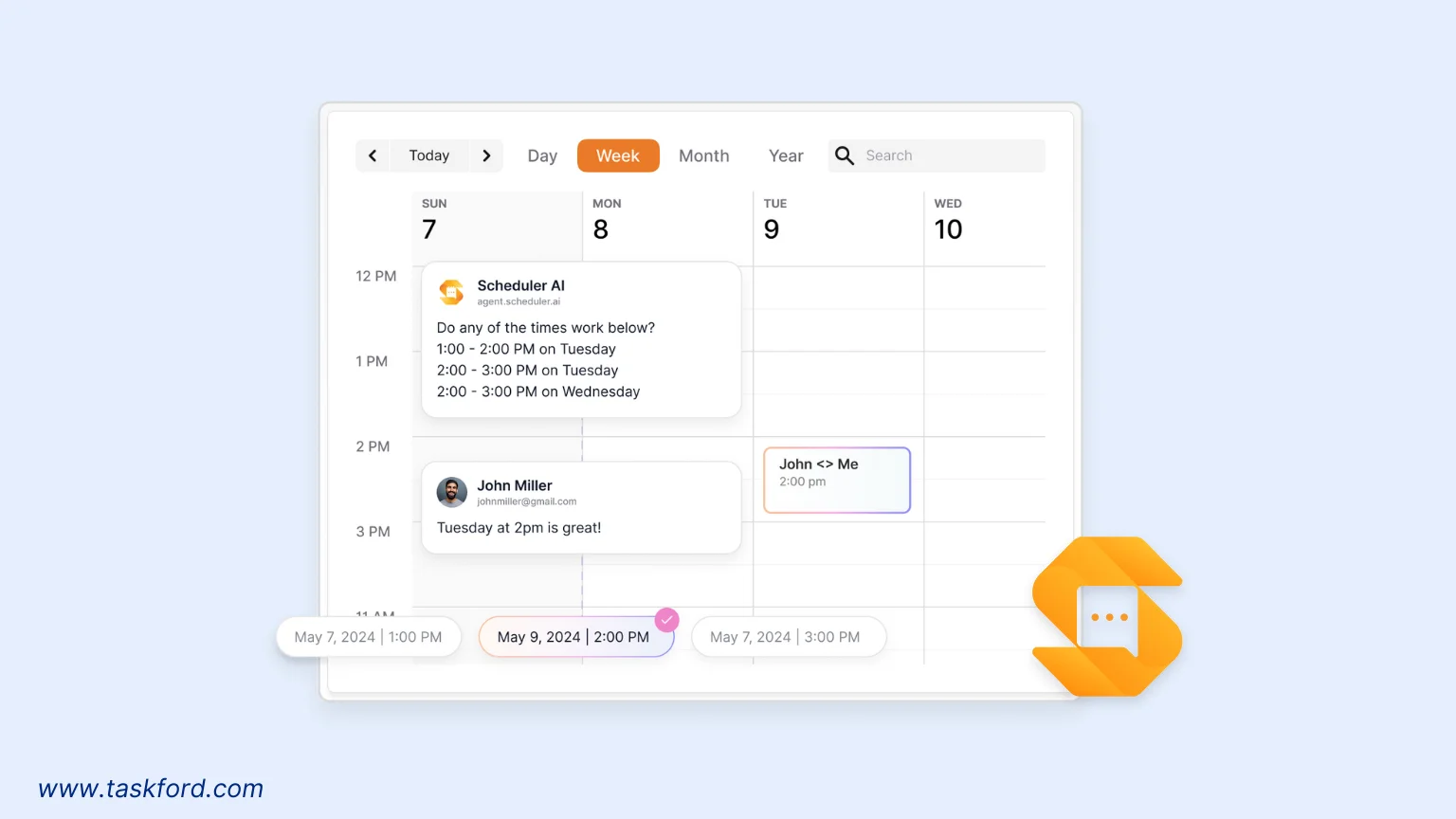
Scheduler AI is an AI-powered appointment setter that books meetings, proposes times, and handles rescheduling, ideal for professionals and small teams. It integrates with your CRM, webforms, and chats to coordinate meetings instantly.
Key Features:
- Meeting Coordination: AI proposes and books meeting times via email, SMS, or chat.
- Calendar Integration: Syncs with Google, Outlook, and Microsoft Teams.
- Time Zone Management: Automatically adjusts for different time zones.
- Freelance Time Tracking: Tracks meeting time with basic reports.
Why It’s Great:
Scheduler AI eliminates back-and-forth by handling meeting logistics across multiple channels, like email and SMS. Its time tracking provides basic reports for freelancers, with exportable data for invoicing. The AI also sends curated reminders to reduce no-shows, a critical feature for client-facing professionals.
Limitations:
The free plan limits meetings to 10/month. Advanced features like CRM integrations and custom branding are premium-only.
Pricing:
- Free Plan: Basic meeting scheduling, limited to 10 meetings/month, basic time tracking, and calendar syncing.
- Cheapest Paid Plan: $50/month for unlimited meetings, advanced CRM integrations, and custom branding.
Best For:
Freelancers and small teams needing automated meeting scheduling across multiple platforms.
8. Akiflow
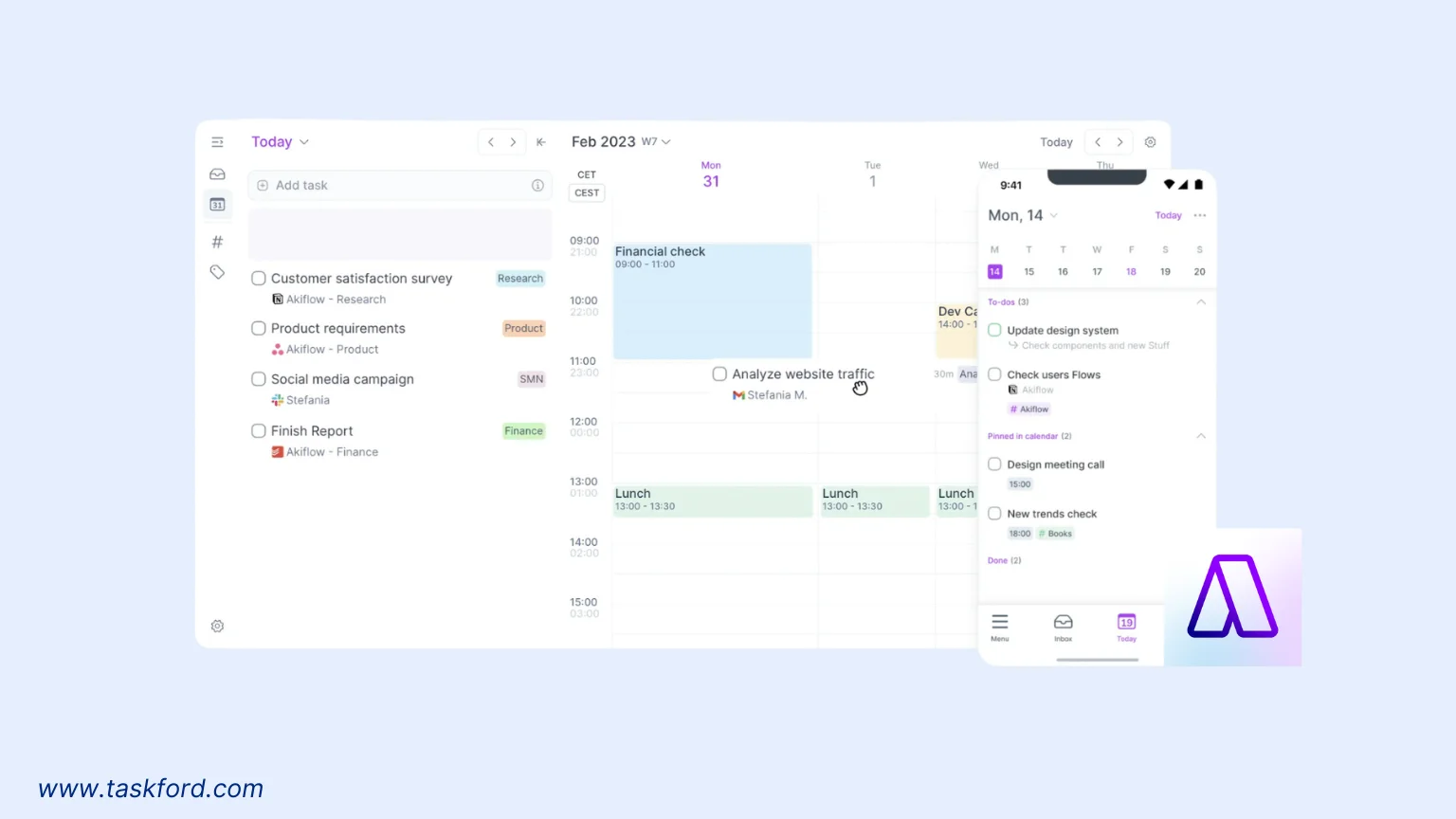
Akiflow is a free AI scheduler that combines task management with time blocking. Its AI consolidates tasks from multiple apps and schedules them into your calendar, ensuring nothing slips through the cracks.
Key Features:
- Task Consolidation: Pulls tasks from multiple apps into one place.
- Time Blocking: AI assigns tasks to optimal time slots.
- Calendar Sync: Integrates with Google and Outlook.
- Freelance Time Tracking: Tracks time across tasks and projects.
Why It’s Great:
Akiflow’s ability to unify tasks from various platforms is a lifesaver for freelancers using multiple tools. Its AI suggests realistic time blocks, and the time tracking feature helps monitor project hours.
Limitations:
The free plan limits task imports to three apps. Advanced analytics are premium-only.
Pricing:
- Free Plan: Task imports from 3 apps, basic time tracking, and calendar syncing.
- Cheapest Paid Plan: $15/month (billed annually) for unlimited app integrations and advanced analytics.
Best For:
Freelancers using multiple task management tools.
How to Choose the Right Free AI Scheduler or Non-AI Alternative
Choosing between a free AI scheduler and a non-AI tool like TaskFord depends on your needs. Here are key factors to consider:
- Freelance Time Tracking: If accurate time logging is critical, TaskFord, Clockwise, Motion, and TimeHero offer robust tracking for client billing.
- Automation Needs: AI schedulers like Reclaim, Motion, or Scheduler AI excel at automating task prioritization and scheduling, while TaskFord requires manual setup but offers greater control.
- Meeting Coordination: For frequent client calls, Clara or Scheduler AI automate meeting scheduling, while TaskFord’s calendar view supports manual meeting planning.
- Task Management: Motion, Trevor AI, Akiflow, and TaskFord are ideal for managing complex task lists, with TaskFord offering more project management views.
- Ease of Use: Trevor AI, Reclaim, and TaskFord prioritize simplicity with clean interfaces.
Tips for Maximizing Your Free AI Scheduler
To get the most out of your free AI scheduler or TaskFord, follow these tips:
- Set Clear Priorities: Input deadlines and task importance to guide AI suggestions or manual planning in TaskFord.
- Sync All Calendars: Connect work and personal calendars to avoid conflicts.
- Review Time Analytics: Use built-in reports in AI tools or TaskFord’s dashboards to identify time-wasting habits.
- Leverage Time Tracking: For freelancers, use time tracking features to log billable hours accurately.
- Update Regularly: Keep your task list and availability current for optimal scheduling.
Conclusion
Free AI schedulers like Clockwise, Motion, and Akiflow transform time management with intelligent automation, while TaskFord proves that non-AI tools can be just as powerful with flexible task tracking, time management, and project planning features. For freelancers, both AI and non-AI options offer valuable time tracking for accurate billing and project oversight. By choosing the right tool and using it effectively, you can take control of your schedule and achieve more in 2026.
Learn more
- 8 Must-Have Skills for AI Project Managers in 2026
- Top 6 Best AI Task Managers in 2026
- AI Scheduling Assistant vs. Manual Planning: Which Works Better?
Subscribe for Expert Tips
Unlock expert insights and stay ahead with TaskFord. Sign up now to receive valuable tips, strategies, and updates directly in your inbox.